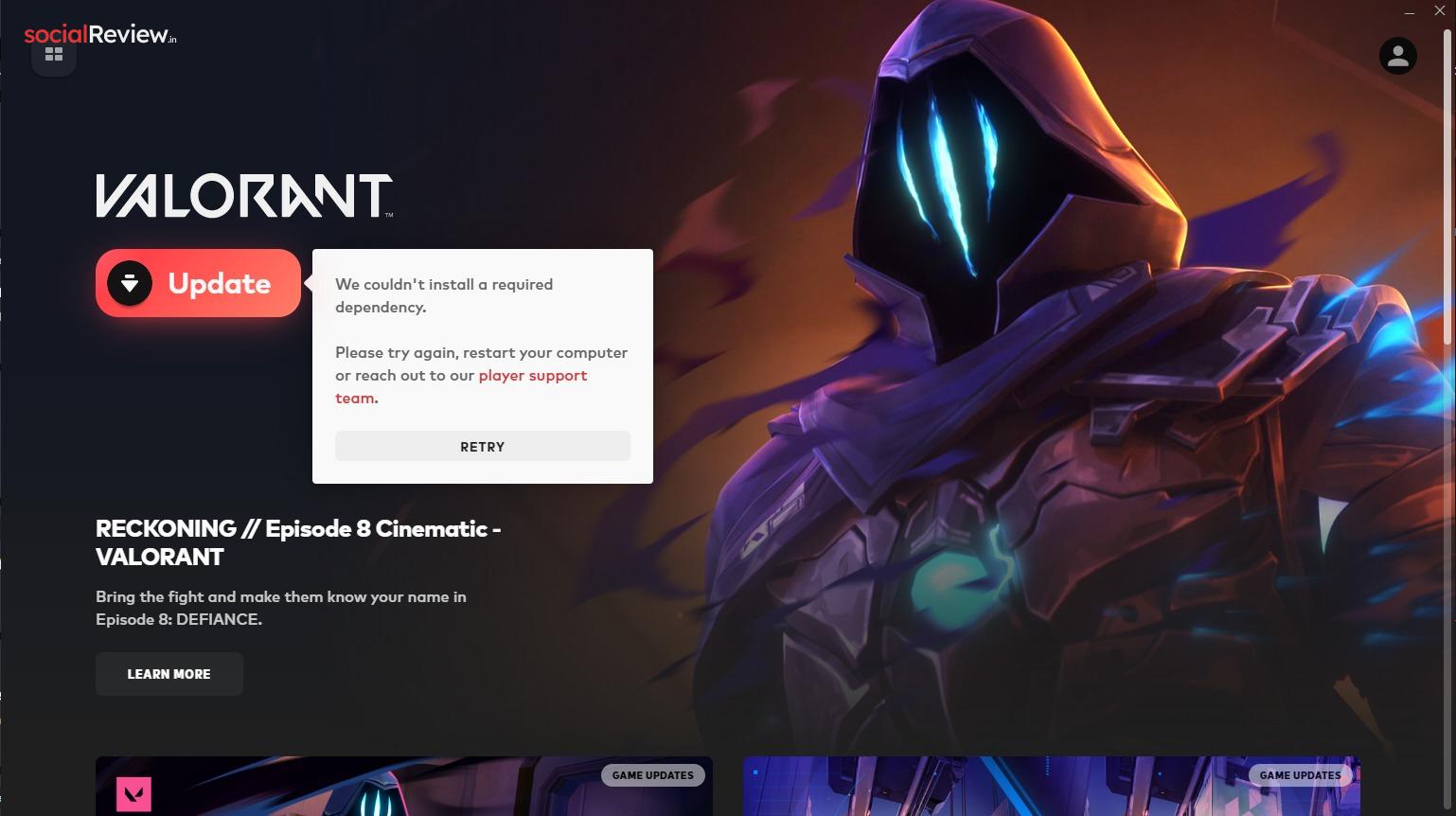
Trying to launch Valorant but stuck with the message: “We couldn’t install a required dependency. Please try again, restart your computer, or reach out to our player support team”?
This frustrating error usually means Riot Vanguard, Valorant’s anti-cheat service, isn’t working correctly. The good news? You can fix it in a few simple steps.
Why This Matters
Valorant won’t run without Riot Vanguard. If it’s disabled, corrupted, or misconfigured, the game won’t launch. Fixing this error ensures:
-
Riot Vanguard loads properly at startup
-
Valorant can launch without interruptions
-
Your system stays compatible with anti-cheat checks
Step 1: Enable Vanguard Services
If Vanguard isn’t set to run automatically, Valorant won’t start. Here’s how to fix it:
-
Press Windows + R, type
services.msc, and hit Enter.

-
Find vgc in the list of services.
-
Right-click → Properties.

-
Set Startup type to Automatic.
-
Click Start under Service status.
-
Hit Apply → OK.

-
Restart your PC.
Step 2: Edit Registry Settings
A wrong registry entry can block Vanguard. Resetting it restores default behavior.
⚠️ Caution: Always back up your registry before editing.
-
Press Windows + R, type
regedit, and hit Enter.

-
Navigate to:
-
On the right, locate DevOverrideEnable.
-
Double-click → Set Value data to 0.
-
Click OK, close the editor.

-
Restart your PC.
Step 3: Reinstall Vanguard Using Command Prompt
If Vanguard files are corrupted, a clean reinstall usually fixes the issue.
-
Search for Command Prompt → Right-click → Run as Administrator.

-
Stop Vanguard services by entering:
sc stop vgc
sc stop vgk -
Delete Vanguard with:
sc delete vgc
sc delete vgk
-
Restart your PC.
-
Open the Riot Client – it will automatically reinstall Vanguard.
-
Restart once more to activate Vanguard.
Common Mistakes to Avoid
-
Forgetting to run Command Prompt as Administrator → Commands will fail.
-
Skipping restarts → Vanguard won’t reload correctly.
-
Editing the wrong registry key → Can cause system instability.
Extra Tips
-
If these fixes don’t work, try reinstalling the Riot Client entirely.
-
Make sure your Windows version is up-to-date.
-
Disable third-party antivirus temporarily, as it may block Vanguard.
FAQs
Q1: Why does Valorant need Vanguard?
Because it’s Riot’s anti-cheat system. Without it, Valorant won’t launch.
Q2: Will reinstalling Vanguard delete my game progress?
No, your progress is tied to your Riot account, not Vanguard.
Q3: Is it safe to edit the registry?
Yes, if you only change the DevOverrideEnable key as instructed. Always back up first.
Check This: How to Fix Crusader Kings 3 Crashing on Windows
Stay Connected WIth Socialreview.in For More