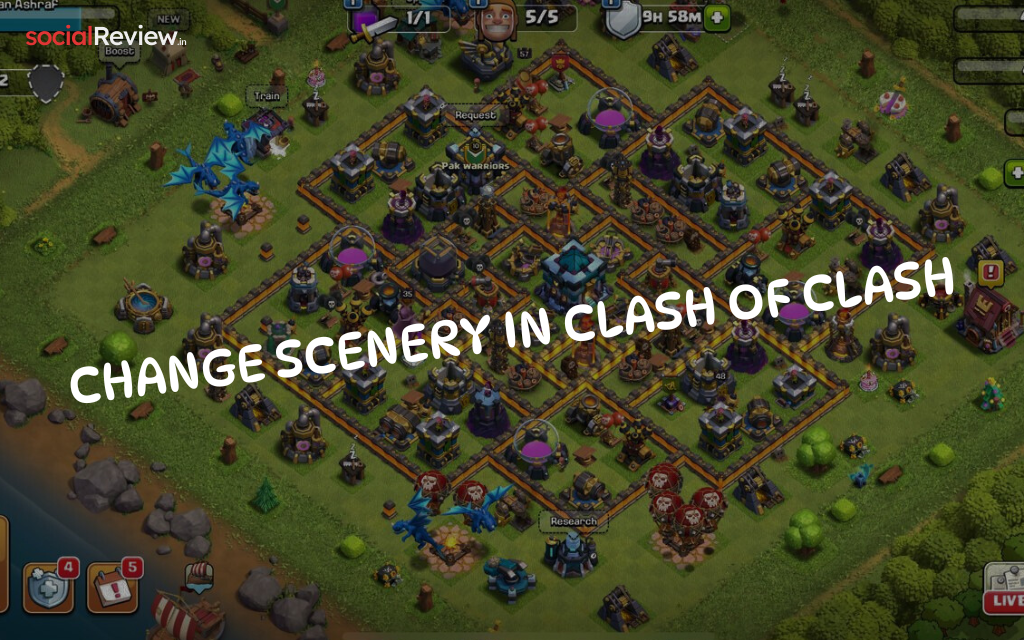
Playing Clash of Clans with the same old background can get boring fast. If you’re tired of staring at the Classic Scenery, it’s time to spice things up. Supercell lets you change scenery in Clash of Clans and give your village a fresh, customized look. From seasonal themes to premium designs, sceneries transform your background without affecting gameplay.
In this bold guide, you’ll learn:
-
How to change scenery in Clash of Clans (step-by-step).
-
Different ways to unlock new sceneries like Jungle Scenery, Crystal Caverns, and more.
-
Pro tips to make your Home Village, Builder Base, and War Base look epic.
Let’s dive straight in.
Why Change Scenery in Clash of Clans?
Scenery doesn’t change how you attack or defend—but it does make your base unique. Imagine battling on a fiery lava backdrop, an icy winter fortress, or the mysterious Crystal Caverns. Changing scenery keeps the game visually exciting and lets you show off your style.
And here’s the kicker—Supercell often adds exclusive sceneries during Gold Pass seasons or special events. If you miss out, you might have to wait months for them to return in the Shop.
1. Change Scenery from the Town Hall
The fastest way to switch backgrounds is directly from your Town Hall in the Home Village.
-
Open Clash of Clans and head to your Home Village.
-
Tap the Town Hall → choose Change Scenery.
-
Browse your unlocked backgrounds (Classic, Jungle, etc.).
-
Tap Swap to apply instantly.
🔥 Pro Tip: Use the Scenery Randomizer in this menu to rotate sceneries every time your base loads. That means you’ll never get bored of the same backdrop again.
2. Change Scenery from the Builder Hall
Your Builder Base has its own set of sceneries—completely separate from the Home Village.
Here’s how to switch it:
-
Tap the boat on the shore to travel to the Builder Base.
-
Select the Builder Hall → choose Change Scenery.
-
Pick from your unlocked Builder Base sceneries.
-
Hit Swap to apply instantly.
Now your Builder Base can look totally different from your main base.
3. Apply Scenery Right After Unlocking
Every time you buy or unlock a new scenery, Clash of Clans gives you a quick apply option:
-
Purchase from the Shop’s Cosmetics section, Gold Pass, or a Special Event.
-
Wait for the preview screen to pop up.
-
Hit Swap Now to apply immediately.
👉 You can also set scenery for your War Base. Just open your War Base layout, tap the Town Hall, and change scenery like you do in the Home Village.
How to Unlock New Sceneries in Clash of Clans
There are three main ways to expand your scenery collection:
-
Shop Cosmetics – Buy premium sceneries like Crystal Caverns or Of the North.
-
Gold Pass Rewards – Exclusive seasonal sceneries.
-
Special Events – Limited-time unlocks tied to in-game festivals.
💡 Remember: Once unlocked, sceneries are permanent—you can switch back anytime.